
Network tab
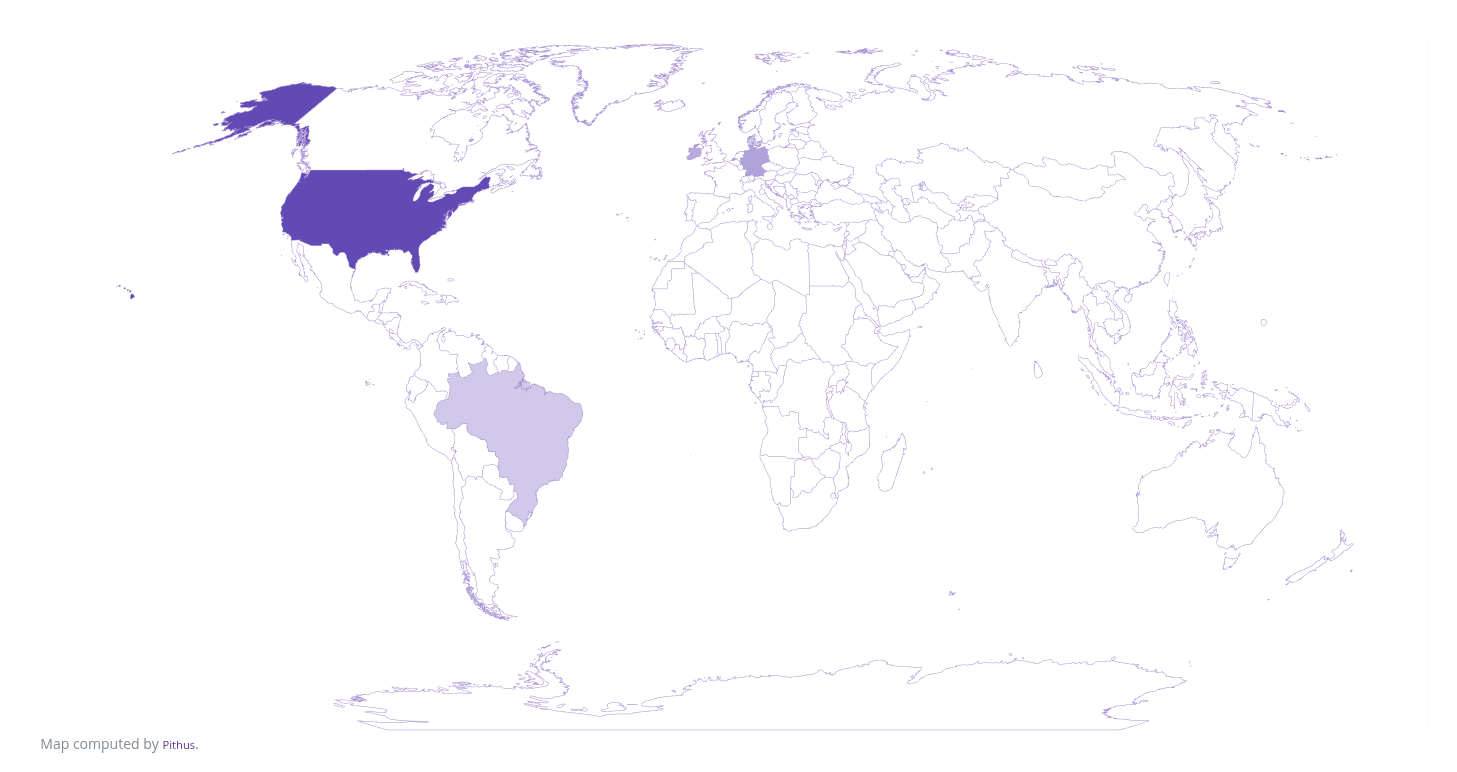
The map is an quick and easy way to see which country the application communicates with.
Domain Analysis
Section titled “Domain Analysis”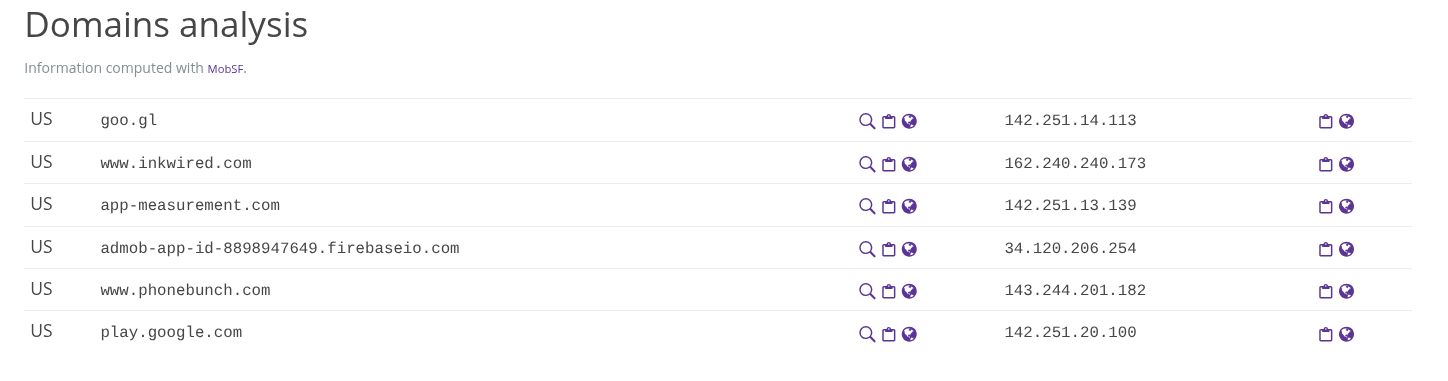
The domain analysis table lists the domains the application communicates with, and for each entries:
- the country of origin, determined through geoip
- the domain name
- the IP address linked to this domain, when available
For each entry the icons to the right of domains and IP allows to:
- magnifier: look for other sample sharing this data
- clipboard: copy the data to your clipboard
- world: search the value on the internet using Startpage
URL Analysis
Section titled “URL Analysis”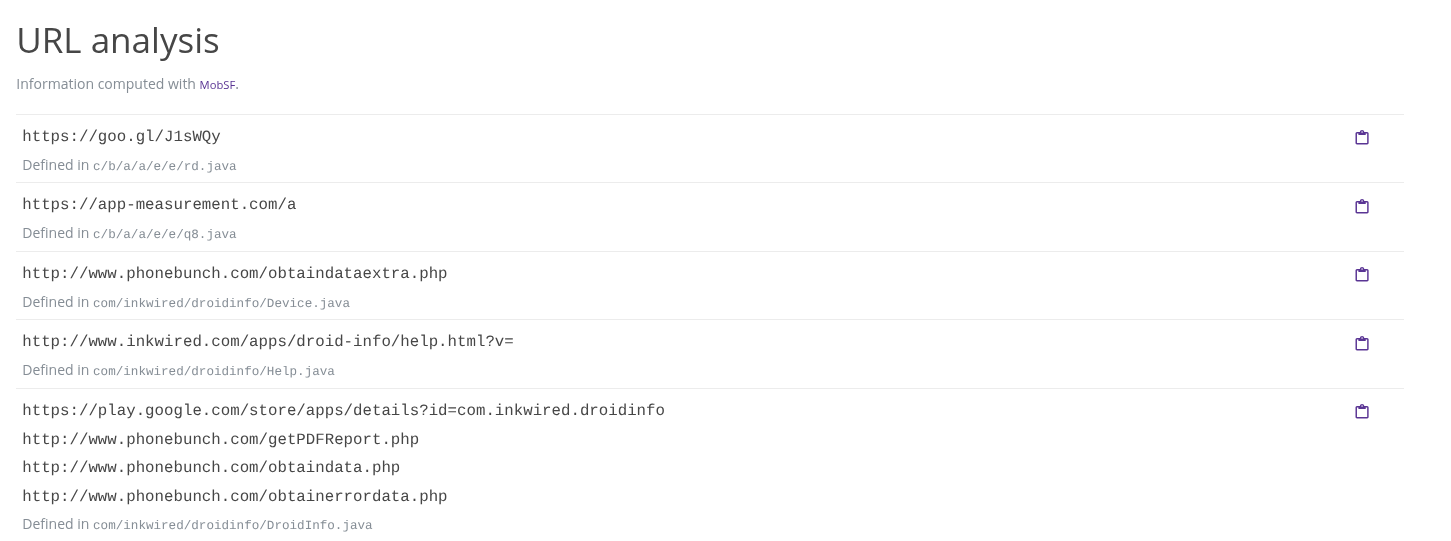
The URL analysis tab list all the strings present in the application matching an URL pattern. This may create a very long list of potential candidates, with potential false positives. For each entry, the file it comes from is displayed underneath.