
Behavior Analysis tab
Permissions Analysis
Section titled “Permissions Analysis”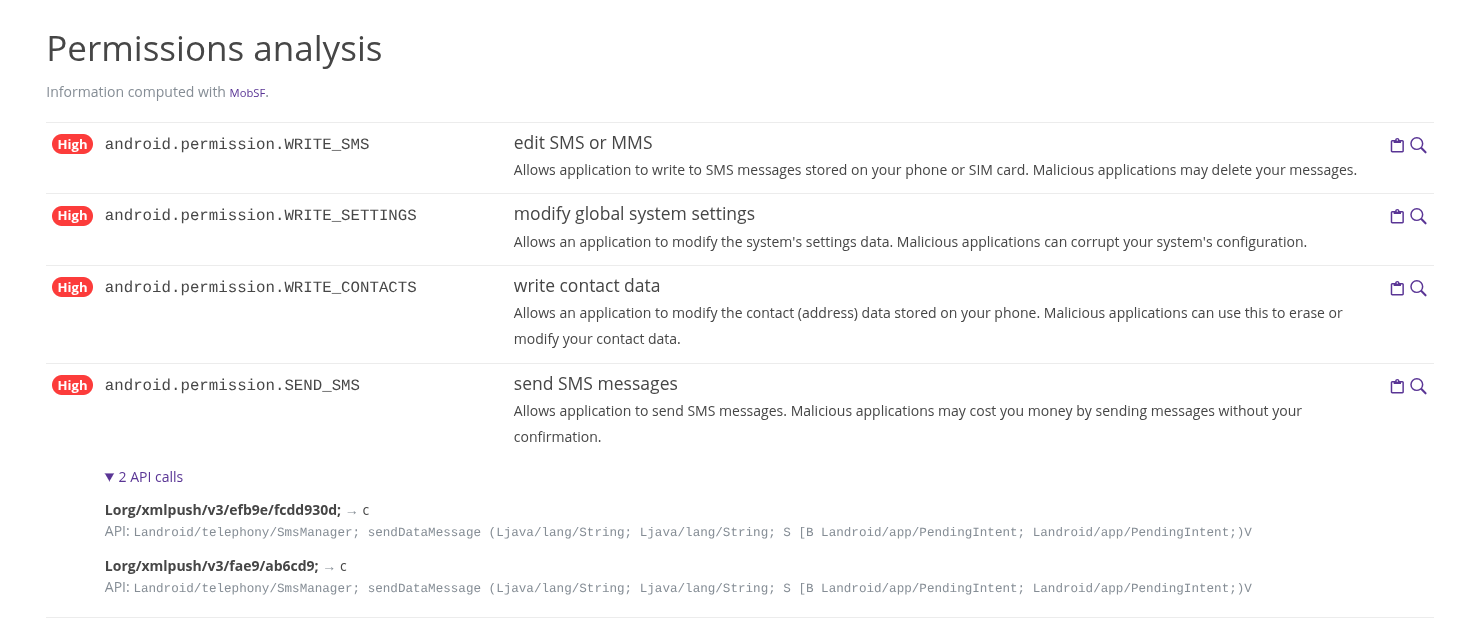
The permissions table shows the permissions asked and declared by the application. The first column shows an estimate of the criticity of asking for this specific permission. The second column is the name of the permission. The third column explains what the permission does and which action it allows. Finally on the right side are two buttons, one to copy the permission name, and the other to look for other samples that share that same permission in Pithus’ database.
The last permission displayed in the example shows 2 API calls, meaning that Pithus was able to determine where the actions involving said permission are defined. When clicked, the detail is displayed, indicating where in the code it is used, and how the function is called.
Tracker Analysis
Section titled “Tracker Analysis”
This section shows all the trackers used in the application, with their names and a link to the detailed page on Exodus-privacy.
Threat Analysis
Section titled “Threat Analysis”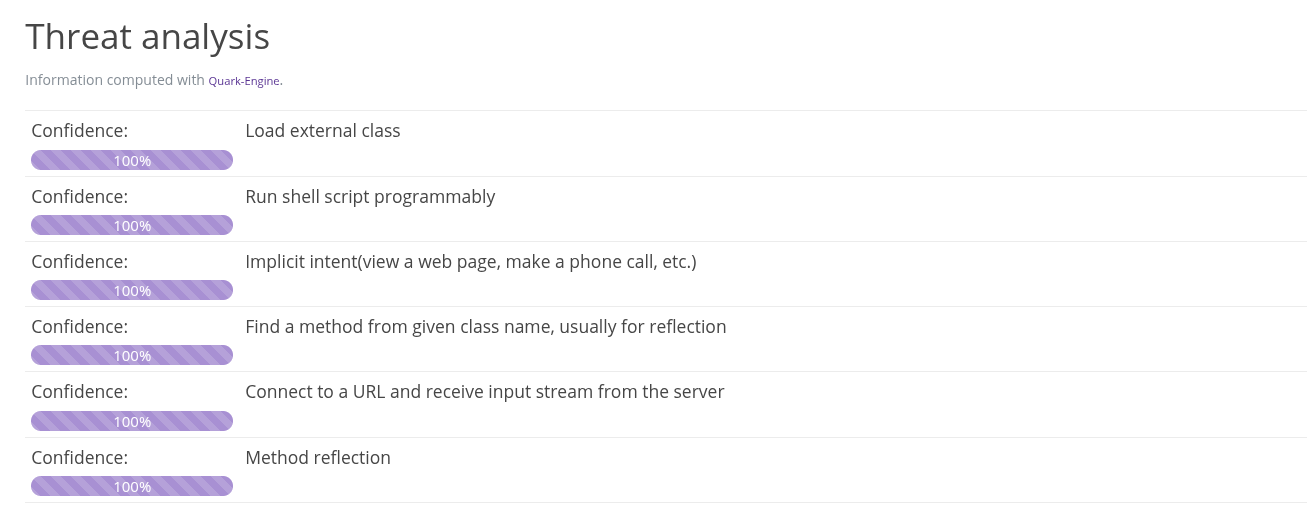
The threat analysis looks for interesting and potentially suspicious behaviors in the application’s code.
Behavior Analysis
Section titled “Behavior Analysis”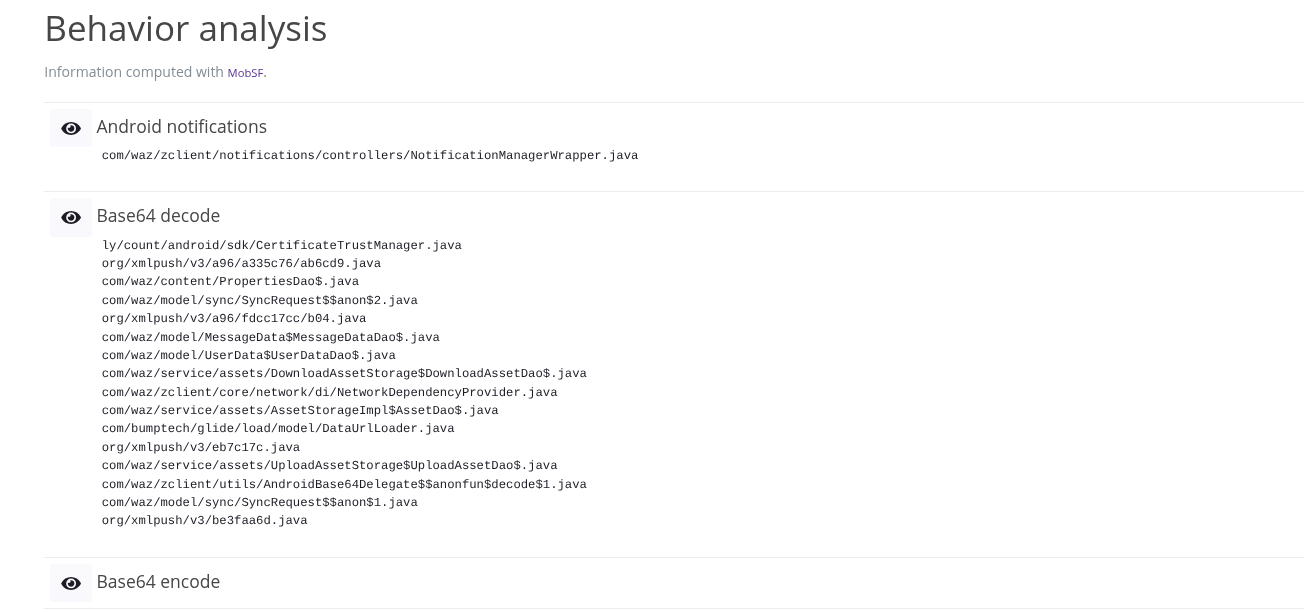
This section identifies factual behaviors, and shows where in the code they happen. Click on the eye icon to show the file names.